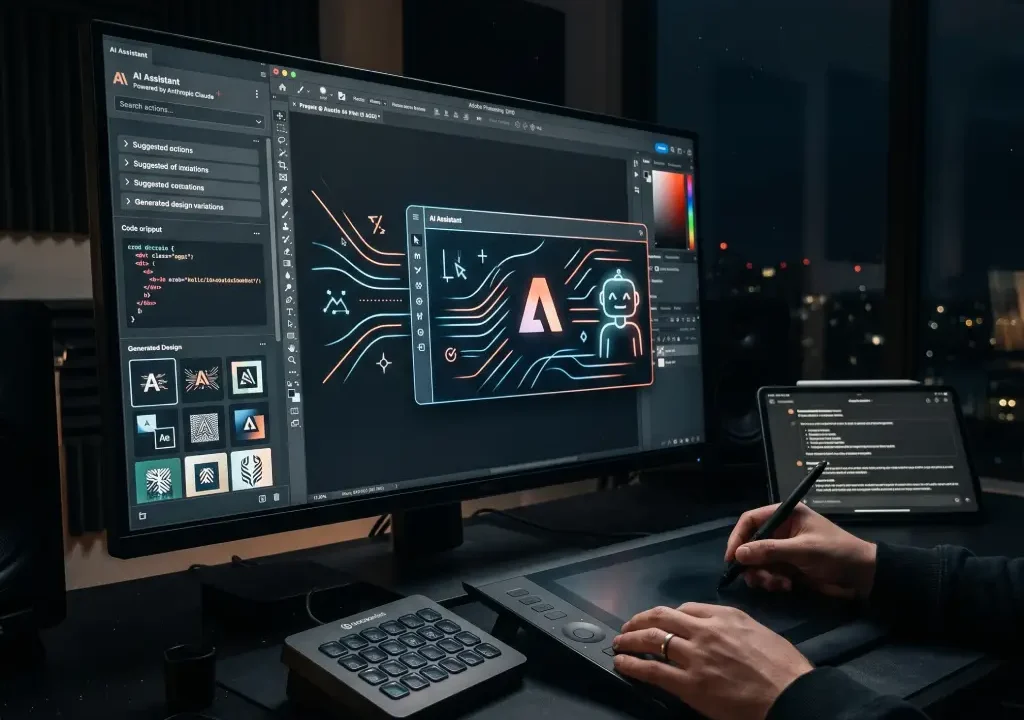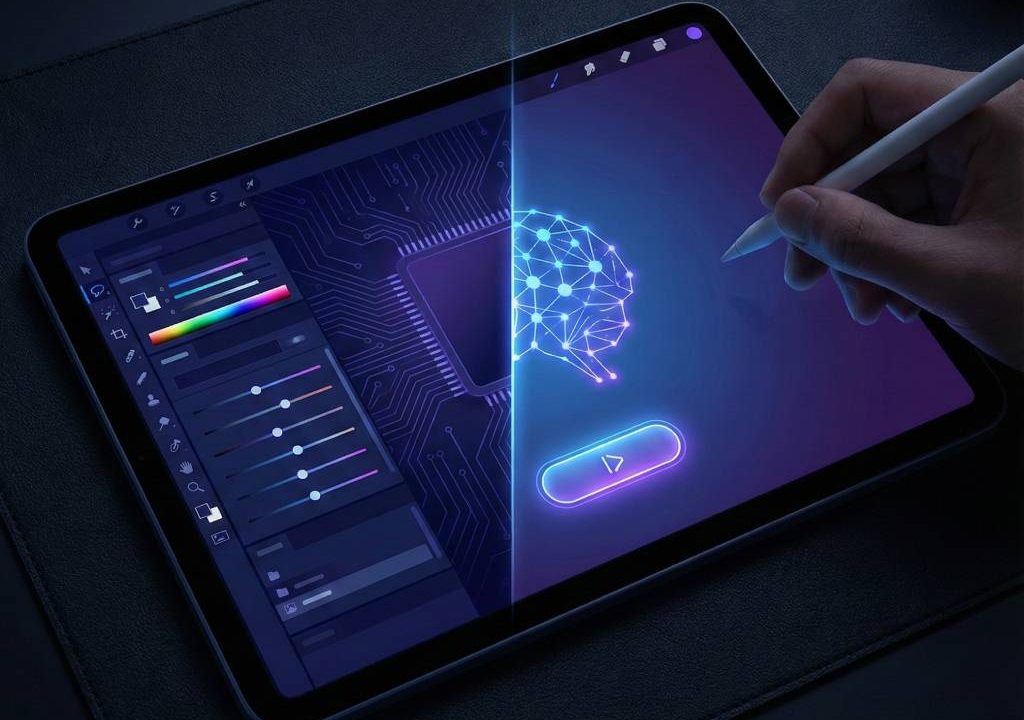
Adobe Photoshop remains the gold standard for professional photo editing, but its subscription cost and learning curve make it overkill for many users needing fast fixes in 2026. Enter AI alternatives to Photoshop—intelligent tools that handle quick edits like background removal, object erasure, auto-enhancements, upscaling, and generative fills in seconds, often for free or low cost. These apps leverage AI to simplify workflows for social media creators, bloggers, small businesses, and casual editors who want professional results without complex layers or steep fees. This guide reviews the top AI alternatives to Photoshop focused on speed and ease, helping you edit effortlessly.
Why Look for AI Alternatives to Photoshop in 2026?
Photoshop excels at precision but requires time and skill for basic tasks. AI alternatives automate repetitive edits—remove distractions, fix lighting, or add elements—with one-click or prompt-based tools. Benefits include no subscription for many, browser/mobile access, faster turnaround for content creators, and beginner-friendly interfaces. In 2026, AI features like generative tools rival Photoshop’s Firefly, making quick edits accessible and high-quality.
Key Features to Seek in AI Photo Editors for Fast Edits
Prioritize one-click enhancements, AI removal tools (background/object), auto-correction, generative fill/expand, templates for social formats, and free tiers without watermarks. Browser-based options suit quick sessions; desktop apps offer more control. Look for mobile support and export quality.
Top AI Alternatives to Photoshop for Quick Edits in 2026
1. Pixlr – Best Free Browser-Based Quick Editor
Pixlr offers AI Cutout, auto-enhance, generative fill, and templates in a Photoshop-like interface. Free plan with ads; premium removes limits. Pros: Instant access, fast AI tools; cons: Ads on free. Ideal for quick social edits. Try Pixlr.
2. Canva Magic Studio – Easiest for Social & Marketing Edits
Canva’s AI suite includes Magic Eraser, background remover, auto-enhance, and text-to-image. Free tier generous; Pro unlocks more. Pros: Intuitive drag-drop, templates; cons: Less pro-level precision. Perfect for non-designers. Explore Canva Magic Studio.
3. Photopea – Photoshop-Like Interface Online
Photopea is a free web clone of Photoshop with layers, masks, and PSD support—add AI via extensions or built-in tools. Pros: No install, familiar; cons: Ads on free. Great for quick advanced edits. Visit Photopea.
4. Fotor – Simple AI Tools for Fast Fixes
Fotor provides one-click AI enhance, object removal, background changer, and collage maker. Free with limits; Pro affordable. Pros: User-friendly, mobile app; cons: Watermarks on some free exports. Check Fotor.
5. Luminar Neo – AI-Powered One-Click Enhancements
Luminar Neo uses AI for sky replacement, portrait retouch, structure AI, and relight. One-time purchase or subscription. Pros: Stunning results fast; cons: Desktop-focused. Suited for quick polished photos. Learn more at Luminar Neo.
| Tool | Key Quick Edit Feature | Pricing | Best For |
|---|---|---|---|
| Pixlr | AI Cutout & generative fill | Free + Premium ~$5/mo | Browser quick fixes |
| Canva | Magic Eraser & auto-enhance | Free + Pro $15/mo | Social/marketing content |
| Photopea | Layers & masks like PS | Free (ads) | Photoshop-style fast edits |
| Fotor | One-click AI tools | Free + Pro ~$9/mo | Beginners/simple retouch |
| Luminar Neo | AI portrait & sky replacement | One-time or sub | Polished quick enhancements |
How to Choose the Right AI Alternative for Your Needs
For free/quick social edits: Pixlr or Canva. Need Photoshop familiarity: Photopea. One-click pro results: Luminar Neo. Test free versions—upload a photo, try removal/enhance, and see speed/quality.
Edit Faster with AI Alternatives to Photoshop
AI alternatives to Photoshop make quick edits effortless in 2026—tools like Pixlr, Canva, and Photopea deliver fast, high-quality results without subscriptions or complexity. Whether removing backgrounds or enhancing portraits, they save time for creators on any budget. Start with a free tool today and streamline your workflow. For more editing tips, check PCMag’s photo software guide.