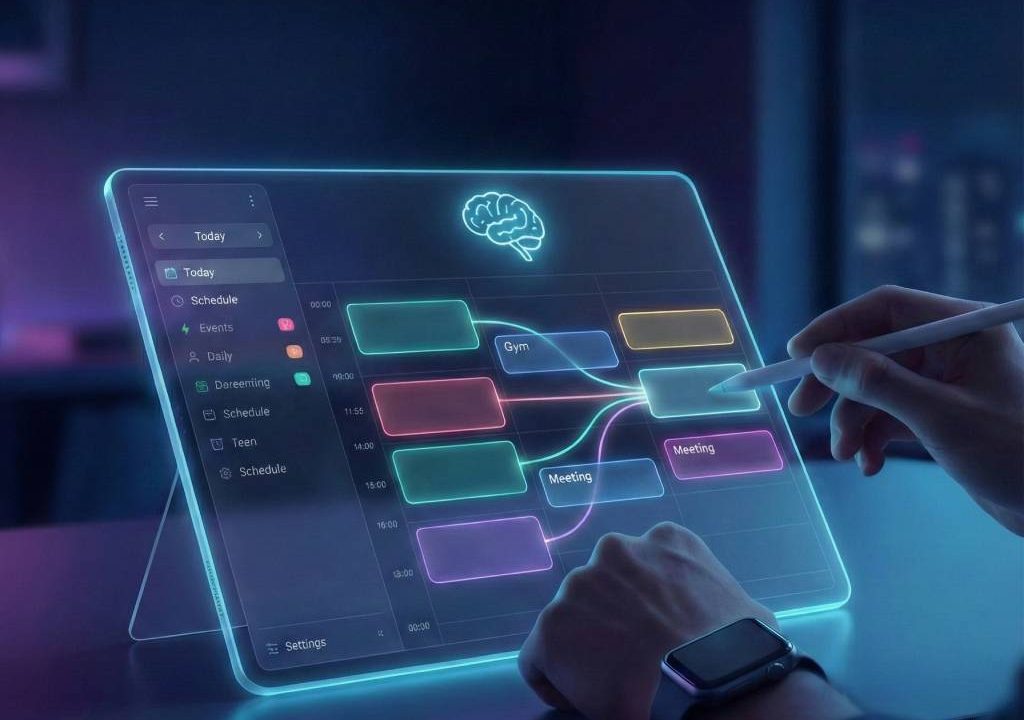
In 2026, overwhelming schedules, endless tasks, and constant interruptions make organization feel impossible. Enter AI daily planner apps—intelligent tools that go beyond basic calendars by auto-scheduling tasks, protecting focus time, suggesting priorities, and adapting in real-time to changes like new meetings or energy dips. These apps integrate tasks from tools like Todoist or email, sync calendars, and use AI to create realistic daily plans—helping users reclaim hours, reduce decision fatigue, and achieve better work-life balance effortlessly. This guide covers how they work, key benefits, top picks, and steps to start using them for a more organized life.
What Are AI Daily Planner Apps?
AI daily planner apps combine calendar, task management, and AI intelligence to build and adjust daily schedules. Unlike traditional planners, they analyze priorities, deadlines, habits, and availability to auto-block time, suggest optimal slots, and reshuffle when life intervenes. Features include time blocking, habit tracking, energy-aware suggestions, and integrations with Google Calendar, Outlook, or project tools—turning chaos into structured, effortless days.
Benefits of AI Daily Planner Apps for Effortless Organization
These apps save time by automating planning (no manual dragging), protect deep work with focus blocks, reduce stress through realistic loads, adapt flexibly to surprises, and promote balance with breaks/habits. Users often report 1-2 extra productive hours daily, fewer missed deadlines, and improved well-being from less mental overhead.
Top AI Daily Planner Apps in 2026
1. Reclaim.ai – Best for Smart Time Blocking & Focus Protection
Reclaim auto-schedules tasks, habits, meetings, and breaks around your priorities, defending focus time against interruptions. Pros: Flexible rescheduling, habit building; cons: Google Calendar primary. Great for professionals. Visit Reclaim.ai.
2. Motion – AI Auto-Scheduling for Dynamic Days
Motion prioritizes tasks and auto-builds/adjusts your calendar—reshuffling on conflicts. Pros: Handles changing schedules; cons: Can feel rigid without tweaks. Ideal for busy users. Explore Motion.
3. Sunsama – Guided Daily Planning Ritual
Sunsama offers mindful daily planning: pull tasks, time-block intentionally, and review progress. Pros: Calm interface, guided flow; cons: More manual than pure AI. Perfect for focus seekers. Check Sunsama.
4. Morgen – Unified Calendar & Task AI Planner
Morgen consolidates calendars/tasks with AI suggestions, buffers, and energy-aware planning. Pros: Cross-platform, flexible; cons: Less aggressive auto-scheduling. Try Morgen.
5. Akiflow – Unified Inbox for Tasks & Calendar
Akiflow merges tasks/emails/calendars with AI-assisted planning. Pros: Clean inbox zero; cons: Learning curve. Suited for task-heavy workflows. See Akiflow.
| App | Key AI Strength | Pricing (2026) | Best For |
|---|---|---|---|
| Reclaim.ai | Auto-blocking & defense | Free → $10+/mo | Focus protection |
| Motion | Dynamic auto-scheduling | $19+/mo | Changing schedules |
| Sunsama | Guided mindful planning | Subscription | Intentional days |
| Morgen | Unified views & suggestions | $25-30+/mo | Multi-calendar users |
| Akiflow | Inbox + task unification | Paid plans | Task overload |
How to Get Started with AI Daily Planner Apps
- Pick one (start with free tier like Reclaim).
- Connect calendars/tasks (Google/Outlook/Todoist).
- Set priorities/habits (e.g., deep work blocks).
- Let AI generate daily plan—review/adjust.
- Track progress and refine over a week.
Organize Your Life Effortlessly with AI Daily Planner Apps
AI daily planner apps like Reclaim.ai, Motion, and Sunsama make organization feel effortless in 2026—automating the hard parts so you focus on what matters. Whether protecting time or adapting plans, they transform chaotic days into productive flow. Try one today and reclaim your schedule. For more productivity insights, visit Zapier’s planner guide.