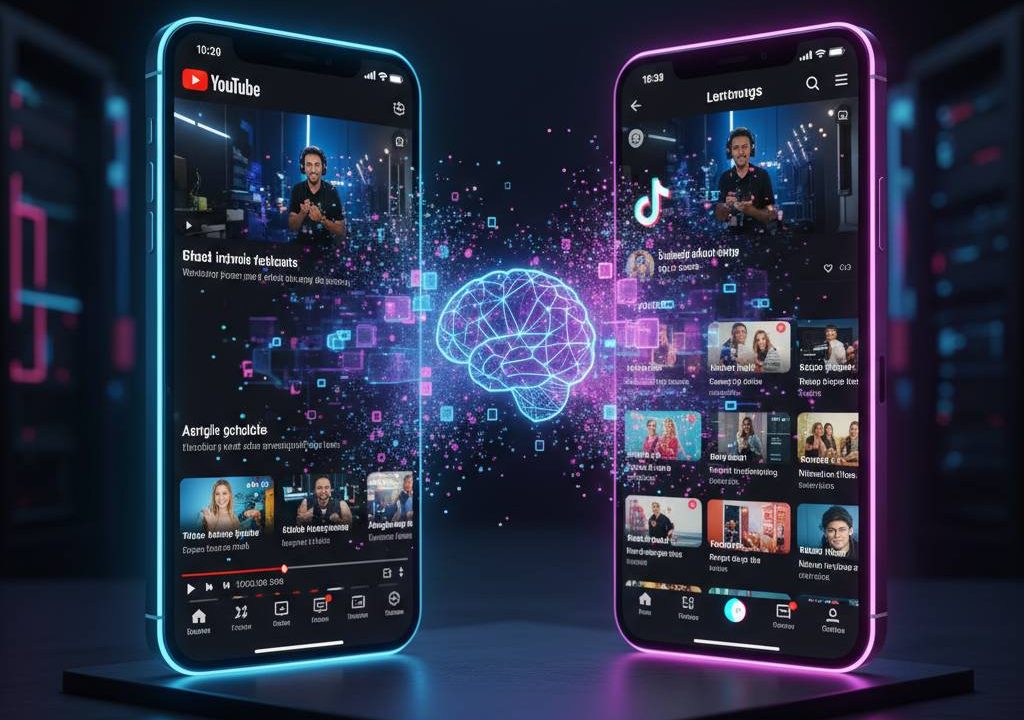
Creating fresh content for TikTok while maintaining a YouTube channel is time-consuming—unless you repurpose YouTube videos to TikTok using AI. In 2026, powerful AI tools analyze long-form videos, detect engaging moments, generate hooks, add dynamic captions, resize to 9:16, and create viral-ready shorts in minutes. This strategy lets creators recycle tutorials, vlogs, podcasts, or interviews into high-performing TikTok clips, driving cross-platform growth without shooting new footage. This step-by-step guide shows exactly how to repurpose YouTube videos to TikTok using AI, with the best tools and pro tips for 2026.
Why Repurpose YouTube Videos to TikTok Using AI?
YouTube favors 10–20+ minute videos for watch time; TikTok thrives on 15–60 second hooks. Repurposing bridges the gap: one long video yields 5–20 shorts, expanding reach, attracting new subscribers, and boosting algorithm signals across platforms. AI automates the heavy lifting—clip selection, editing, captions, and trends—so you focus on strategy.
Benefits of Repurposing Long-Form Content for Short-Form Platforms
AI repurposing saves 80–90% editing time, increases posting frequency, improves consistency, targets TikTok trends, and drives traffic back to YouTube via links in bio/captions. Creators see 2–5x more views and faster follower growth when repurposed clips perform well.
Step-by-Step Guide: Repurpose YouTube Videos to TikTok Using AI
Step 1: Choose the Right AI Repurposing Tool
Select based on features: viral scoring, auto-captions, B-roll, multi-platform export. Top picks below.
Step 2: Upload Your YouTube Video or Link
Most tools accept YouTube URLs or uploads. Paste link for direct import—no download needed.
Step 3: Let AI Identify Viral Moments & Generate Clips
AI scans for hooks, emotional peaks, questions, or value bombs. It creates multiple 15–60s clips with virality scores.
Step 4: Customize Captions, Effects & Aspect Ratio
Edit AI suggestions: tweak captions (bold keywords, emojis), add transitions, resize to vertical, include CTAs.
Step 5: Export & Post to TikTok
Download or direct-post. Add trending sounds, hashtags, and YouTube link in bio.
Top AI Tools to Repurpose YouTube Videos to TikTok in 2026
1. Opus Clip – Best for Viral Scoring & Auto-Editing
Opus Clip analyzes videos, scores clips for virality, adds dynamic captions, B-roll, and transitions. Pros: High-quality shorts; cons: Paid after trial. Try Opus Clip.
2. Vizard – Accurate AI Clipping & Free Tier
Vizard extracts highlights, adds captions, and resizes for TikTok. Pros: Beginner-friendly, cost-effective; cons: Limits on free. Explore Vizard.
3. Klap – One-Click Viral Clips
Klap converts long videos into multiple vertical shorts with captions and effects. Pros: Fast, multiple outputs; cons: Basic customization. Check Klap.
4. Repurpose.io – Hands-Off Multi-Platform Automation
Repurpose.io clips, resizes, captions, and auto-posts to TikTok + others. Pros: Full automation; cons: Subscription-based. Visit Repurpose.io.
5. CapCut AI – Free & Versatile Editor
CapCut’s AI clip generator and auto-captions repurpose videos quickly. Pros: Free, mobile-friendly; cons: Manual tweaks needed. Try CapCut.
| Tool | Key Strength | Pricing | Best For |
|---|---|---|---|
| Opus Clip | Virality scoring & polished clips | Free trial + paid | Viral-focused creators |
| Vizard | Accurate highlights & captions | Free + paid | Beginners & budget users |
| Klap | One-click multiple shorts | Paid plans | Fast batch repurposing |
| Repurpose.io | Auto-posting & multi-platform | Subscription | Hands-off automation |
| CapCut | Free AI editing & effects | Free | Mobile creators |
Tips for Maximum Engagement on TikTok
Start clips with strong hooks (questions, bold statements). Use trending audio, add on-screen text, include CTAs (“Full video on YouTube → link in bio”). Post consistently (3–5x/week), analyze performance, and iterate.
Scale Your Content with AI Repurposing
Repurpose YouTube videos to TikTok using AI in 2026 is a game-changer—tools like Opus Clip and Vizard turn hours of work into minutes, fueling growth across platforms. Pick a tool, test one video, and watch your reach explode. Start repurposing today! For more content strategy, see YouTube Creator Academy.